Change Password
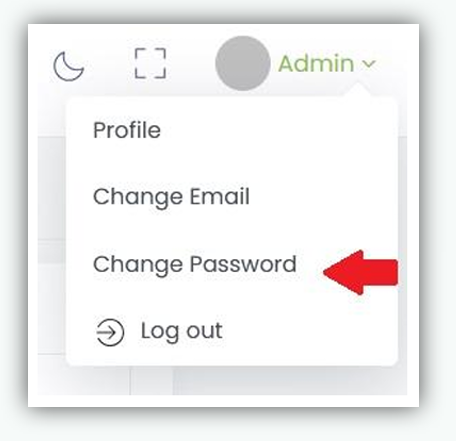
- Navigate to Admin Profile page. Click Admin in the Top Navigation Bar, then select Change Password from the drop-down menu
-
Enter current password.
-
Enter new password. Enter a new password that complies with the password policy.
-
Confirm the new password.
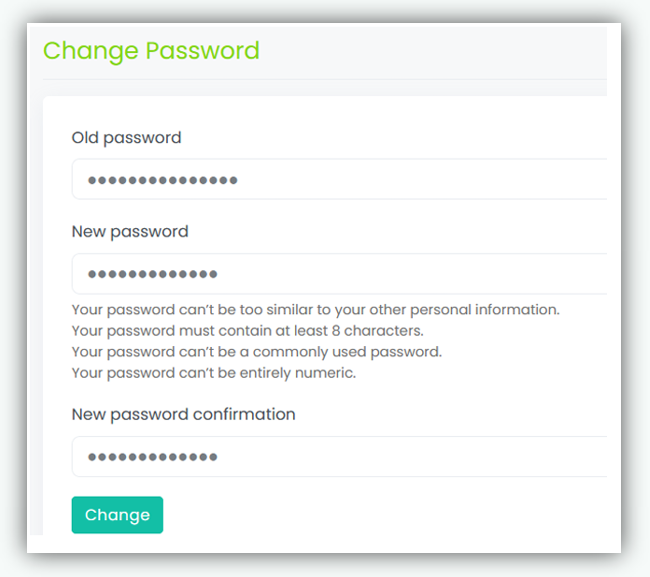
- Click Change to save and update the password