Geo-IP Database
The Geo IP Database in nBalance is a local IP-to-Country mapping database used by the Geo Restrict. nBalance references this database to determine the country of origin for each incoming public client IP address and then applies Geo Restrict (Allow/Deny) rules accordingly.
Clicking Update GEO IP DB performs an update of the local Geo IP Database.
- Downloading the latest public IP subnet allocations from the configured Geo IP source.
- Rebuilding/updating the local nBalance Geo IP dataset used for country lookups.
- Refreshing lookup indexes so new IP ranges are recognized immediately.
The Geo IP Database in nBalance is a local IP to Country mapping database used by the Geo Restriction engine. nBalance (HAProxy) relies on this database to identify the country of origin of incoming public client IP addresses and enforce country based allow or deny policies.
Important: Geo Restriction will not function correctly without an updated Geo IP Database.
Update GEO IP DB
To update the Geo IP Database:
- Navigate to Geo Restrict.
- Click on the Update GEO IP DB button to update.
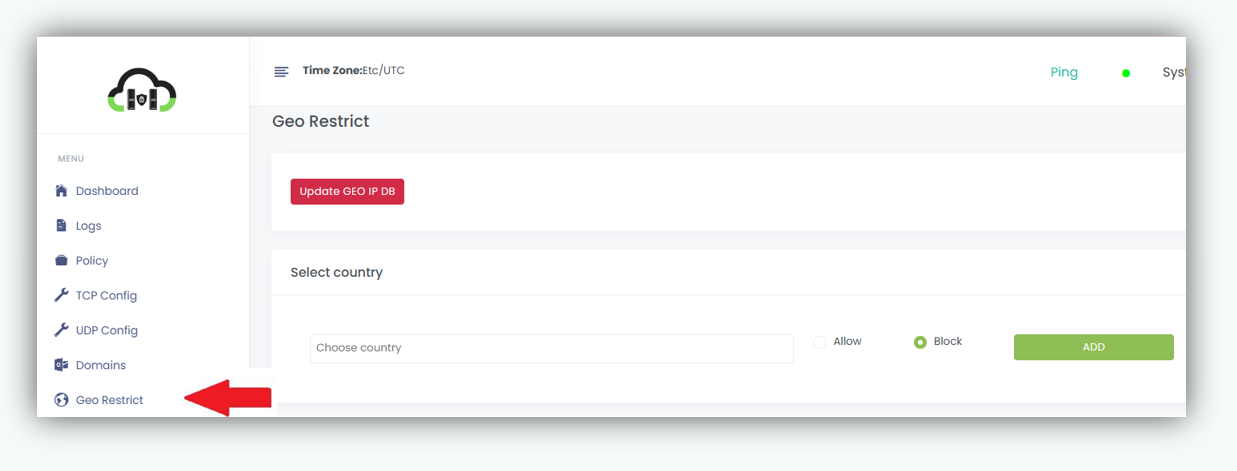
- nBalance will download the latest public IP subnets
- The local Geo IP database will be refreshed and applied.
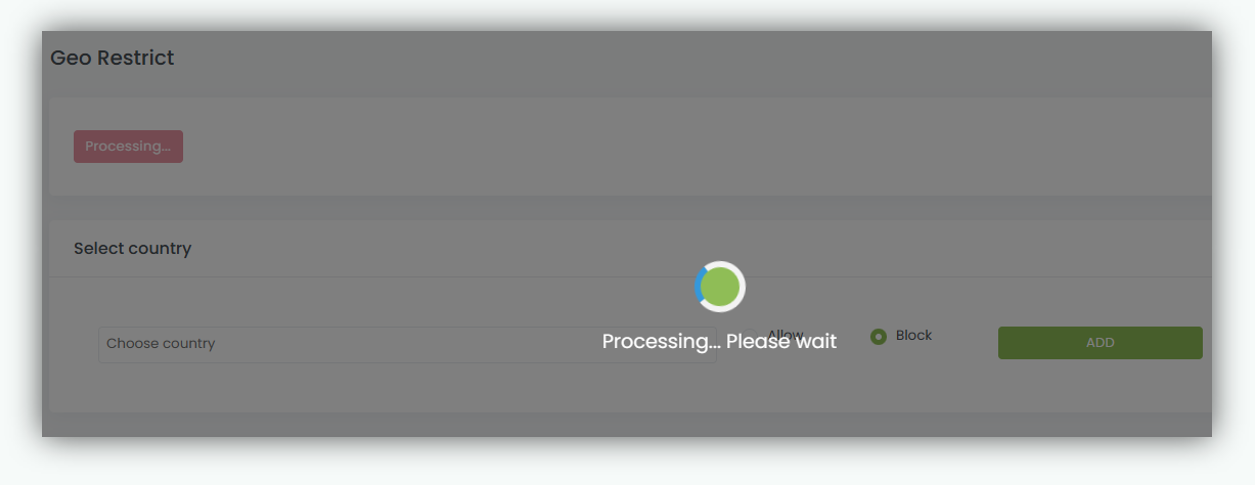
Important: During the update process, the system may display a **“Processing… Please wait”**status. Do not refresh or navigate away from the page until the update is finished.