Delete a Frontend Server
- Navigate to TCP Config. Click on TCP Config from the left navigation menu.
- Locate the required Frontend server from the list.
- The Delete (✕) control is used to permanently remove a Frontend Server.
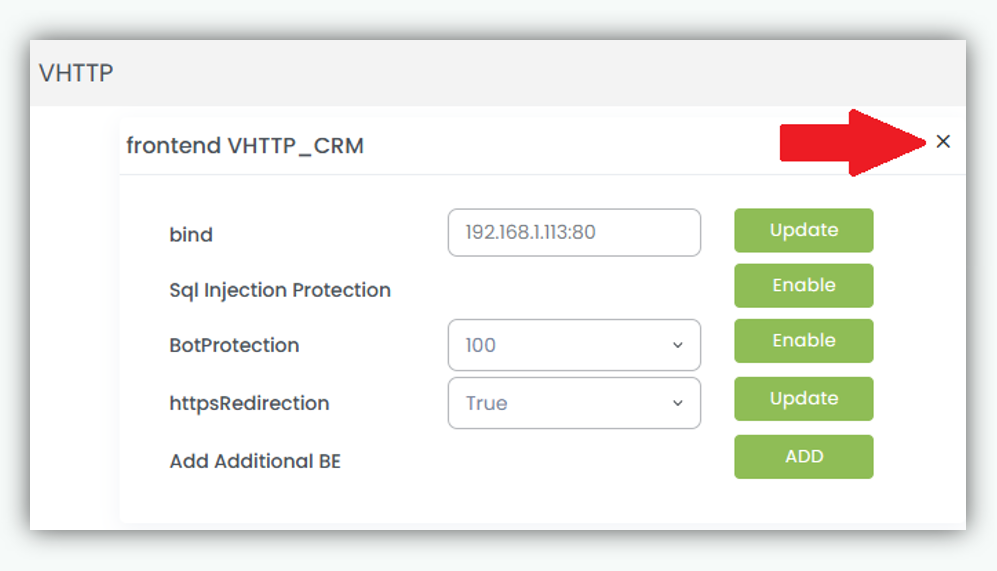
- A confirmation popup message appears to confirm that the Frontend server has been successfully deleted.
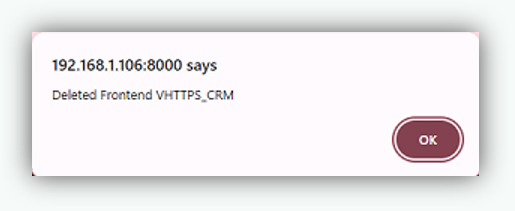
Clicking the Delete (✕) icon will remove the frontend and all associated frontend level
settings, includes:
- corresponding backend servers and backend associations.
- Port bindings
- Enabled or disabled security features (GeoAccess / Geo Restrict, Bot Protection, etc.)
- Frontend specific policies, rules, and configurations Note: Once deleted, the frontend will immediately stop accepting client traffic on the configured IP and port.