Delete a Backend Server
- Navigate to TCP Config. Click on TCP Config from the left navigation menu.
- Locate the required TCP Frontend server from the list.
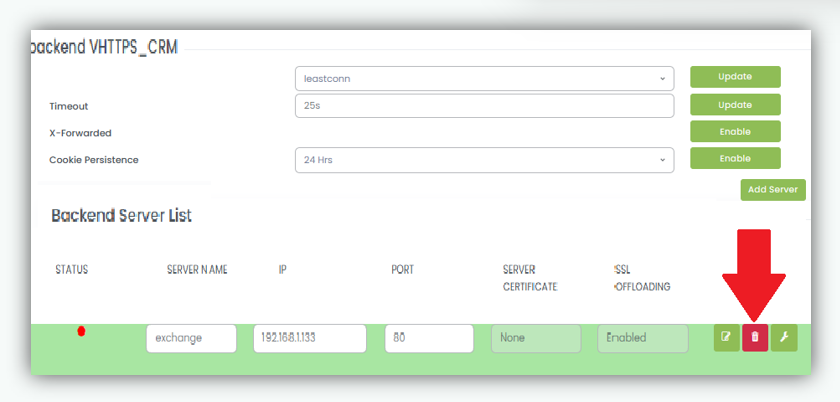
- Click on Delete button corresponding to the backend server you want to delete.
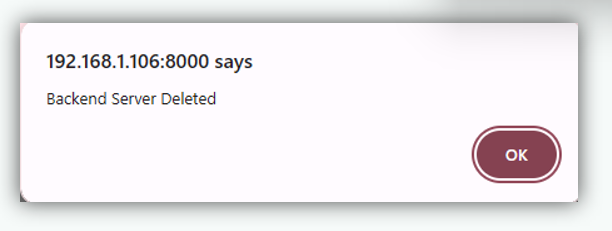
- A confirmation popup message appears to confirm that the backend server has been successfully deleted.