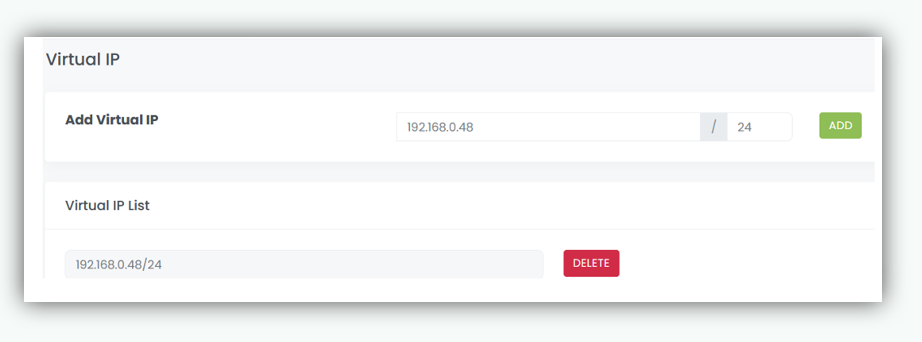
Virtual IP
This is the IP address that is presented to clients. Any packet arriving at the nBalance with that IP address and port number will be forwarded to the Real Servers associated with the Virtual Service. It is a virtual representation of a service or application distributed across multiple backend servers.
Add Virtual IP
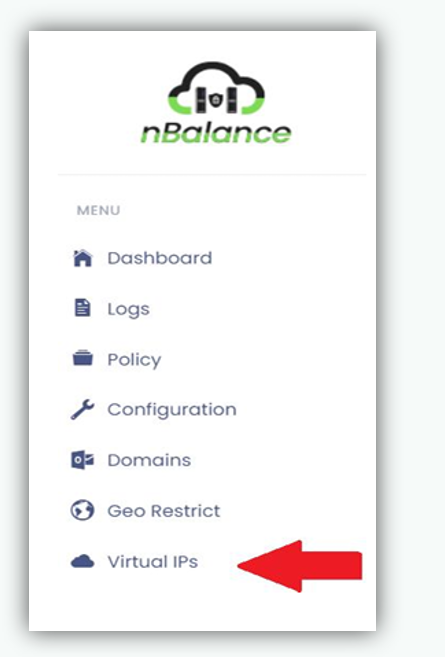
- Navigate to Virtual IP. Click on Virtual IP from the left navigation menu.
- Enter the IP address in to the add virtual IP text box. Click on the ADD button.
- It will display the IP address That you entered.