Configuration
Configuring a front-end server and a backend server in a load balancing environment involves
setting up the necessary components to distribute incoming traffic among multiple servers to
improve performance, scalability, and reliability.
In configuration page we must configure two types of servers.
• Frontend server Frontend server typically refers to the component that handles incoming network traffic from clients (such as web browsers) and manages the initial processing of requests before distributing them to backend servers. The front-end server plays a crucial role in load balancing by acting as the entry point for client requests and optimizing the distribution of traffic to multiple backend servers.
• Backend server The backend servers/real servers typically host the application logic, process database queries, and handle other tasks necessary to fulfill client requests. When a client makes a request to a web application, the nBalance forwards that request to one of the backend servers in a way that balances the load across all available servers. This ensures that each server shares the load, optimizing resource utilization and preventing any single server from becoming a bottleneck.
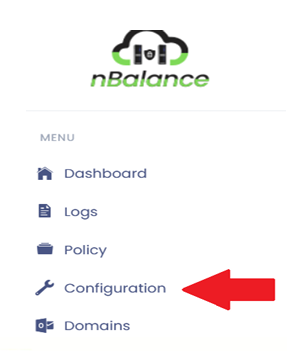
Steps To Follow:
- Click > Configuration to navigate to Configuration page.