Policy
Policy will help you block and restrict URLs.
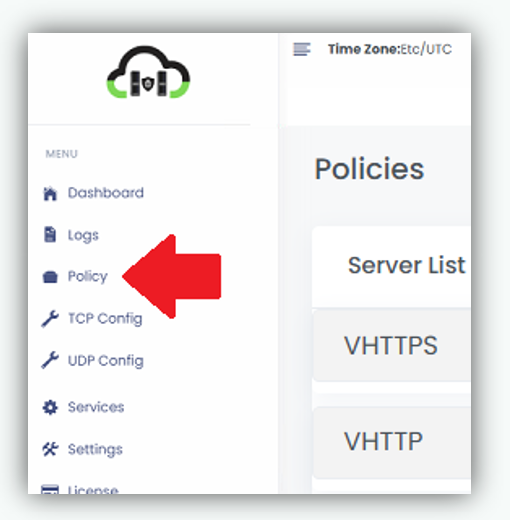
Steps To Follow:
- Click on> Policy from the menu bar. It will navigate you to the policy page.
Policy page
BLOCK URL: This will help the user to restrict or Block the URL.
REDIRECT: This will help the user to redirect. e.g HTTP to HTTPS, Redirect to a particular URL.
BLOCK URL Except Few IPs: This blocks the URL for everyone except the Ips explicitly allowed
access.
EXPLICIT ALLOW:This will allow the particular IP and block others.
Steps to follow:
- To BLOCK URL, we need to add frontend server first.
- Then add the pages or URL that you want to block inside the text box.
- Click on> Block button will block that page or URL.
After blocking the URL

It will show the blocked URL. DELETE button will delete the blocked URL.
In Redirect
- select http/https from the drop-down menu and add URL name and Click on Redirect
will redirect the URL. - Remove Redirect will remove the URL.

In BLOCK URL Except Few IPs
- Enter the URL and add IP address inside the box.
- Then click on BLOCK will all the URL except specific IPs.

In Explicit Allow
- Enter the the IP address inside the box separated by space which want to allow.
- Then click on ALLOW will allow specific IPs.
