Dashboard
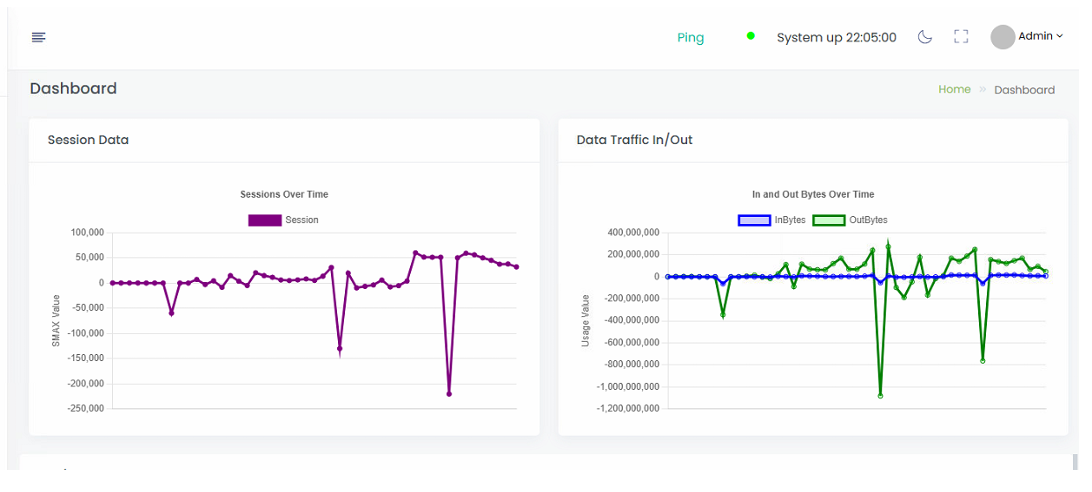
Selecting the "Dashboard" menu option reveals the home page, which presents the basic information about the nBalance.
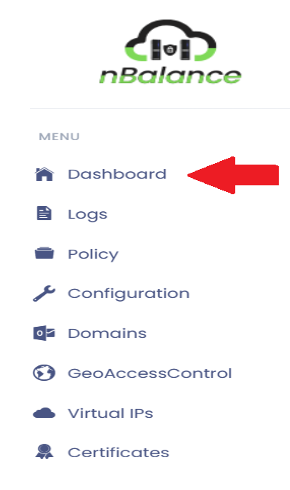
Steps To Follow:
- From the menu list you will find Dashboard.
- Click > dashboard menu. It will navigate dashboard page.
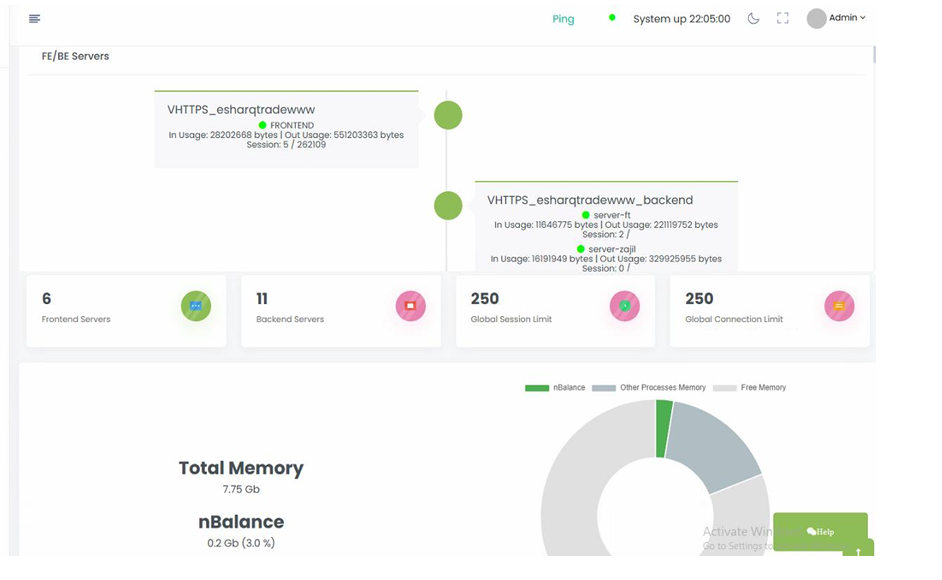
- Dashboard page will list out some important information about the nBalance.
- Total memory installed: 7.79 Gb.
- nBalance used memory: 0.12 Gb.
- Geo Access: Geo Access is a feature that allows you to control access to your services based on the geographic location of the users accessing the application configured in the appliance.
- FE/BE Servers: This is the entry point for incoming traffic. The frontend is responsible for accepting client connections and passing them on to the appropriate backend server based on certain criteria, such as the requested domain or IP address, protocol, etc. In other words, it's the part that faces the clients.
Dashboard page