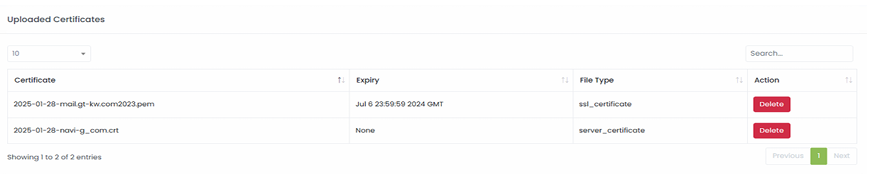
Certificates
Certificate Management in nBalance provide tools for managing SSL certificates. This includes the ability to upload, renew, or replace certificates. Our nBalance also support automated certificate renewal through integration with certificate authorities.

Steps To Follow:
- Click on > Certificates link. It will navigate to the Certificates page.
Add SSL Certificate
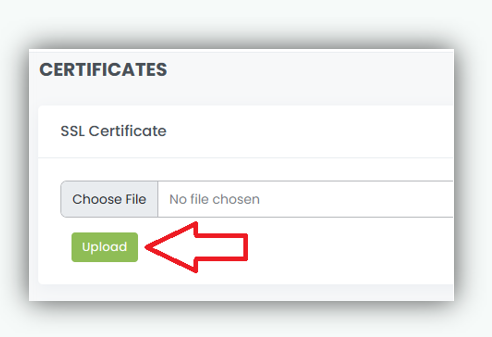
Steps To Follow:
- Browse SSL certificate from the system.
- Click on > Upload
After Adding the SSL Certificate
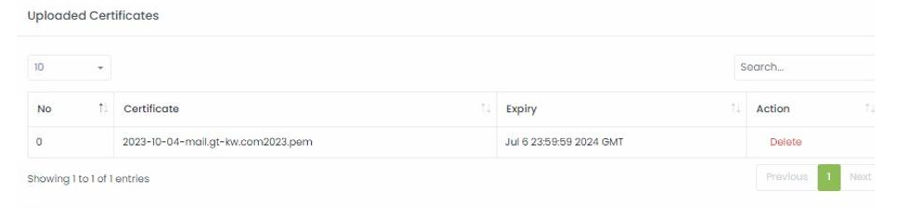
This image shows the added certificate. The Delete button will help you to delete the certificate. Note: You cannot delete a certificate if it is used by any front-end server.
Add Server Certificate

Steps to follow:
- Browse the Server certificate from the system.
- Click on >Upload