Ports
The Port page contains the following fields:
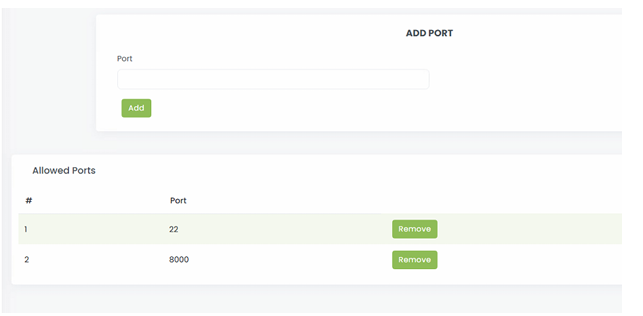
- Add Port:
- Server Time Zone:
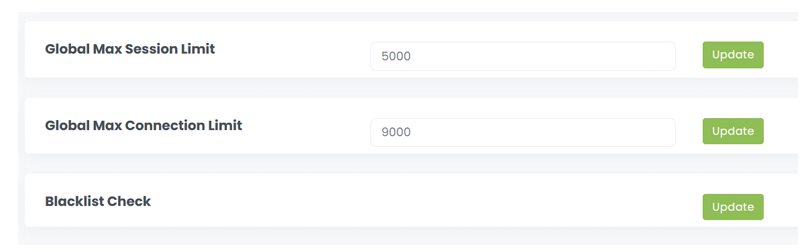
- Global Max Session Limit:
- Global Max Connection Limit:
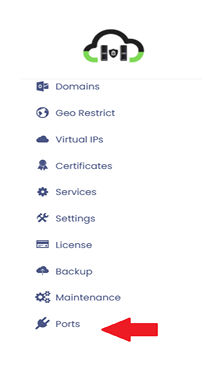
Steps To Follow:
- Click on>Port will open Port page
- Enter port number and click on > Add will add port like below.
- click on>Remove will remove port from the list
Ports Page
Steps to follow:
- Enter the Global max session limit and click on >Update
- Enter Global Max connection limit and click on > Update
- Click on >Update for Blacklist check