Geo Restrict
Geo-restriction is controlling or restricting access to a service or content based on the geographical location of the client or user. This functionality is often employed to comply with legal requirements, licensing agreements, or to optimize the user experience based on regional considerations. nBalance can analyse the IP address of incoming requests to determine the geographical location of the client.
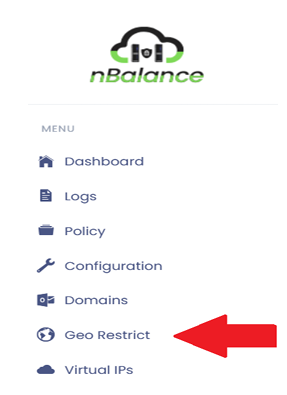
Steps To Follow:
- Click on > Geo Restrict link. It will navigate to the Geo Restrict page.
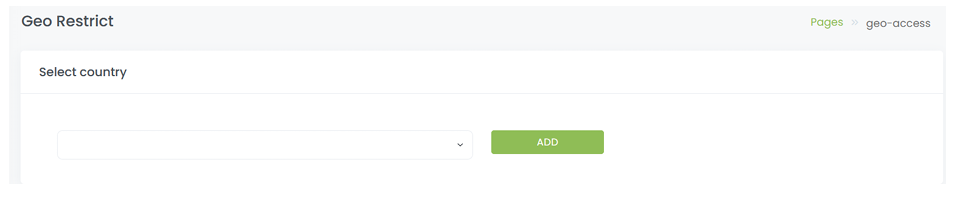
Geo Restrict Page
Steps to follow:
- Select country from the dropdown menu.
- Click on> ADD button will add the location into restricted location.
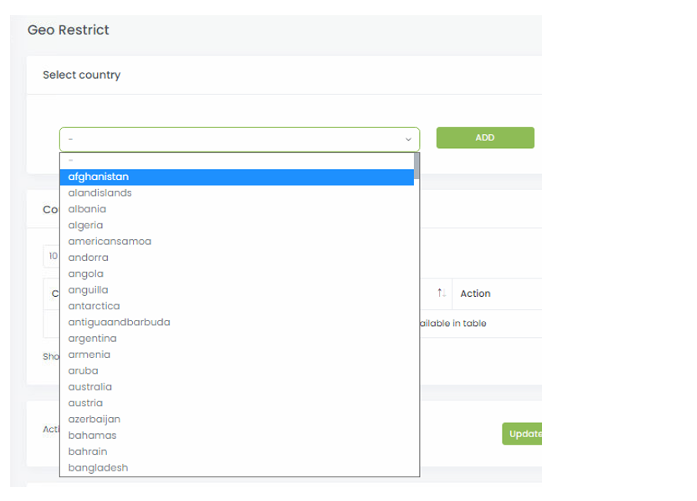
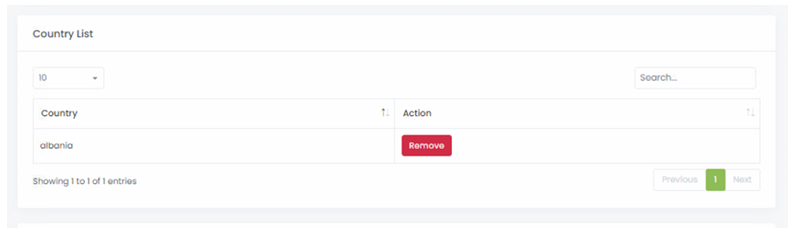
After adding the country in to Geo Restrict
Steps to follow:
- Remove button will remove the country added.
Clicking on Update GEO IP DB will update the Database. Internal Subnets: It is used to add internal networks in your organization.