Domain
Domain in nBalance plays a crucial role in routing, configuration, and ensuring that incoming requests are directed to the appropriate backend servers.
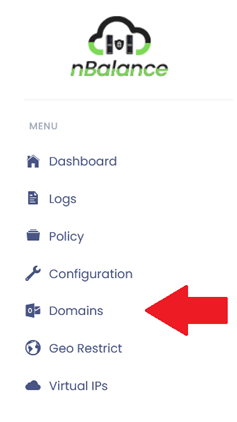
Steps To Follow:
- Click on > Domain will navigate to Domain page.
Add Domain
Steps to follow:
- Click on > Domain will navigate to Domain page.
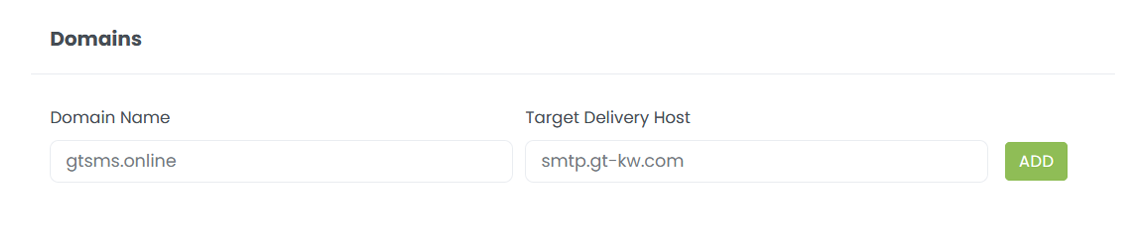
- Add Domain name on the field.
- Add Target Delivery Host name on the specific field.
- Click on> ADD button.
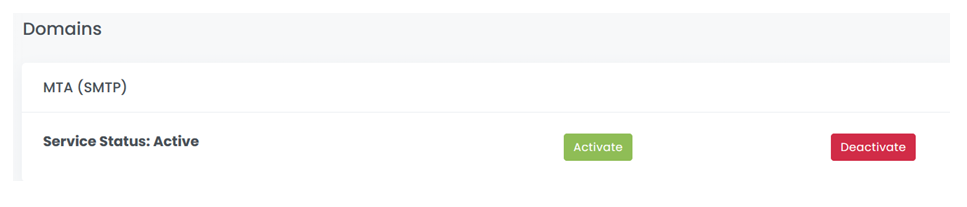
Service Status Activate
Steps to follow:
- Click on > Activate button will activate the Service Status.
- Click on > Deactivate button will deactivate the Service Status.
SMTP Banner
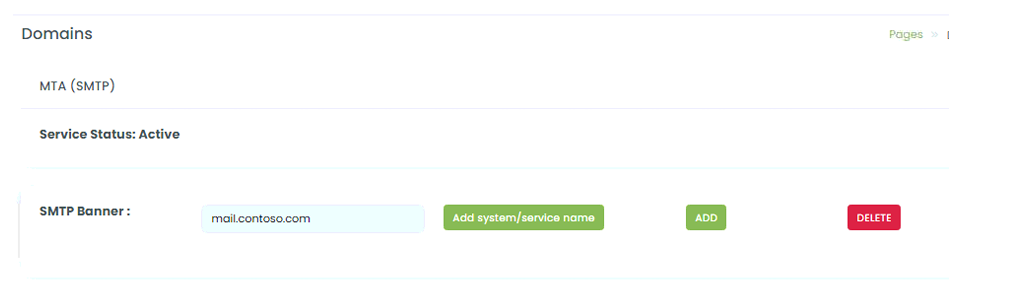
Add system/service name into the text box. Click on ADD will add banner. DELETE button will delete banner.
Add Domain
Add Domain name into the text box and add Target delivery host name into the text box. Clicking on ADD button will add the domain name.

After Adding Domain
